The shift to remote and hybrid working has materially changed the credential threat landscape. When employees work from home, coffee shops, or co-working spaces, the corporate network perimeter, the traditional security boundary, no longer exists. Credentials become the primary access control, and their security directly determines whether corporate systems are protected.
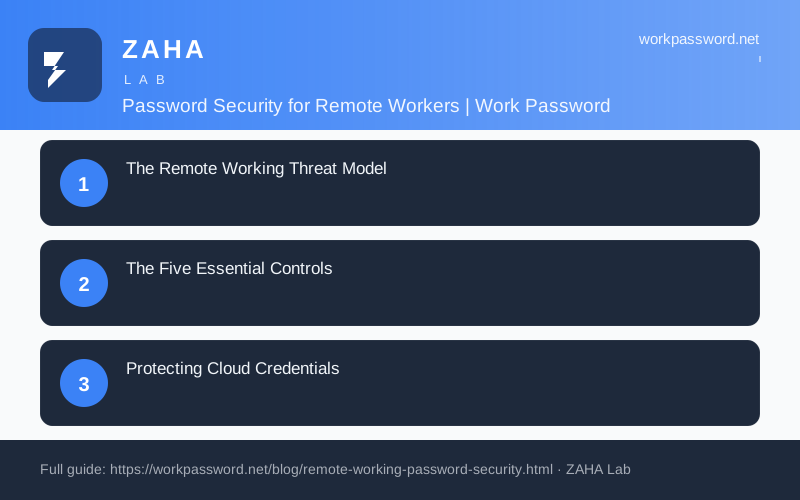
The Remote Working Threat Model
Remote workers face three primary credential threats: phishing (targeting cloud service credentials specifically, since attackers know remote workers depend on cloud email and collaboration tools); credential stuffing (testing previously breached credentials against corporate services); and local exposure (unencrypted devices, shared networks, shoulder surfing in public spaces). Each requires a specific control.
The Five Essential Controls
- Business password manager: Every work credential generated uniquely and stored securely, never reused across personal and work systems
- MFA on all cloud services: Microsoft 365, Google Workspace, Slack, CRM, and any service accessed remotely, TOTP authenticator app minimum, FIDO2 hardware key preferred
- Full-disk encryption: All work devices worth considering FileVault (Mac) or BitLocker (Windows) enabled, protects credentials stored locally if the device is lost or stolen
- VPN for internal resources: Any access to internal servers, databases, or legacy systems should route via a business VPN PureVPN, Secure Your Connection
- Phishing awareness: Remote workers are targeted more frequently with spear phishing, the golden rule (never click email links to log in) is the primary defence
Protecting Cloud Credentials
Cloud services are the primary target for remote worker credential attacks. Microsoft 365 and Google Workspace accounts give access to email, documents, contacts, and often integrated third-party services, a single compromised account can expose significant organisational data. Enable MFA on both the email service and any single-sign-on applications connected to it. Consider Conditional Access policies that restrict cloud access to managed or compliant devices.
When a Remote Device Is Lost or Stolen
Losing a work device while travelling or working from a public location is one of the most time-sensitive security incidents a remote worker will face. The actions taken in the first hour can significantly limit the damage.
The first hour
Speed matters because a thief or finder may attempt to access cached credentials, saved browser passwords, and cloud applications that remain authenticated in the background. Treat the device as compromised from the moment you notice it is missing.
- Report the loss immediately to your IT department or line manager, even outside working hours.
- Change your primary email account password from a separate, trusted device.
- Change your password manager master password if the manager was open or recently unlocked on the lost device.
- Use your identity provider's admin console to revoke active sessions for the affected user account.
- Invalidate any saved application tokens or OAuth grants associated with the lost device.
- If a mobile device management solution is in place, trigger a remote lock or remote wipe through the appropriate portal.
Revocation order
Prioritise credentials that grant the broadest access first: your central identity provider or single sign-on account, then your email, then your password manager, then individual business applications. Revoking email access early prevents an attacker from using it to reset passwords elsewhere.
Evidence to keep
Before wiping a device remotely, record the time and circumstances of the loss. Preserve the following for insurance claims, internal investigations, and any potential legal proceedings.
- The date, time, and location where the device was last seen.
- The device make, model, and serial number.
- Screenshots or logs of any suspicious account activity observed after the loss.
- A timestamped record of every revocation action taken.
Where a lost device may have exposed personal data, check whether the incident is reportable to the Information Commissioner's Office within 72 hours under UK GDPR. Also consider reporting the theft to Action Fraud.